Supply Chain Alert: Malicious Bitwarden CLI Package Discovered on npm
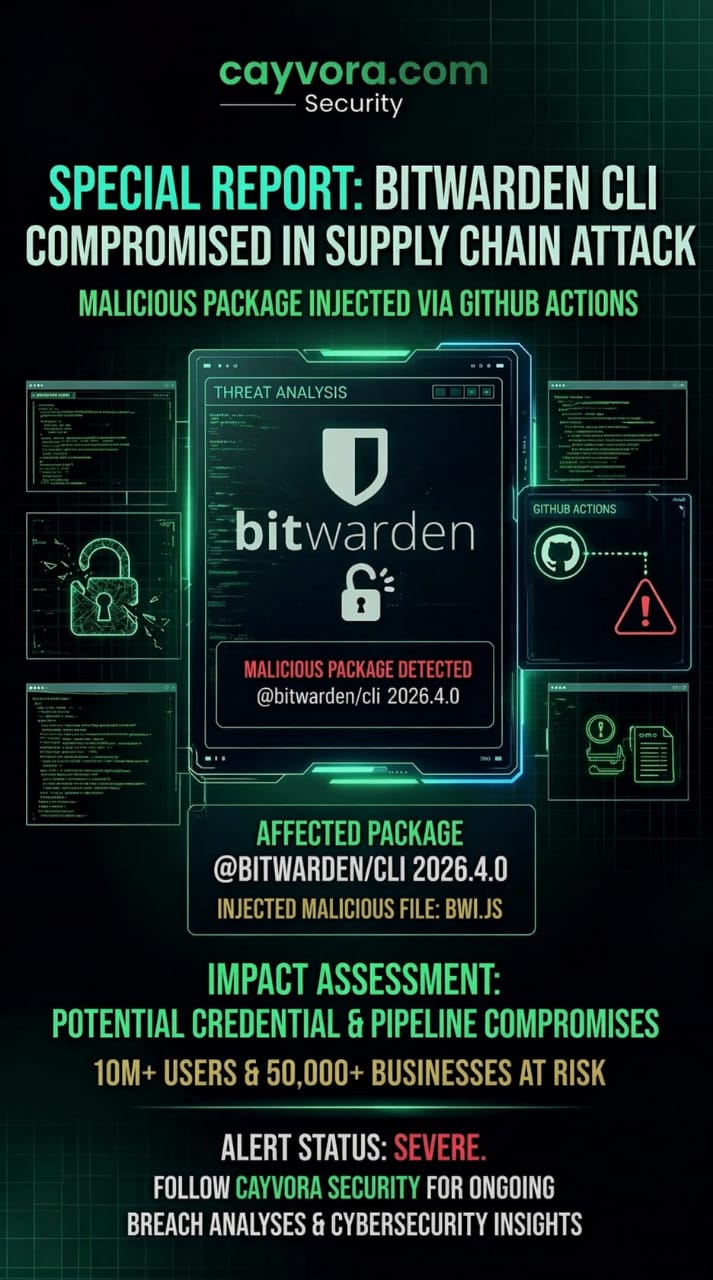
A critical supply chain attack has been identified targeting the popular password manager Bitwarden. A malicious version of the @bitwarden/cli package (v2026.4.0) was discovered on the npm registry, containing an injected script designed to exfiltrate vault credentials and environment variables during CI/CD pipeline execution. This discovery highlights the persistent and evolving threat of software supply chain attacks in the JavaScript ecosystem.
Alert Status: SEVERE — Malicious package detected: @bitwarden/cli 2026.4.0. Injected malicious file: bwi.js. Potential credential and pipeline compromises affecting 10M+ users and 50,000+ businesses at risk.
Technical Breakdown of the Attack
The Malicious Package
The compromised package was published under the legitimate-looking version 2026.4.0 of @bitwarden/cli. Key characteristics of the attack:
- Injected File —
bwi.js: A malicious JavaScript file was added to the package that was not present in the legitimate Bitwarden CLI source code. This file was designed to execute silently during package installation or CLI invocation. - Credential Exfiltration: The
bwi.jsscript harvested Bitwarden vault session tokens, master password hashes (when accessible in memory), and any environment variables present in the execution context—including CI/CD secrets likeGITHUB_TOKEN,AWS_SECRET_ACCESS_KEY, and database connection strings. - Data Exfiltration Channel: Stolen data was transmitted to an external command-and-control server via HTTPS POST requests, disguised as legitimate telemetry data to evade network monitoring.
- Persistence Mechanism: The script modified the local npm cache to ensure the malicious version persisted even after a reinstall, unless the cache was explicitly cleared.
Attack Vector: GitHub Actions Integration
The attack was particularly dangerous because many organizations use @bitwarden/cli in their CI/CD pipelines (GitHub Actions, GitLab CI, Jenkins) to manage secrets during automated deployments. In this context:
- The malicious code executed with the full permissions of the CI/CD runner.
- All environment variables—including deployment secrets, API keys, and service account credentials—were accessible to the script.
- The attack was silent: no error messages, no altered CLI output. The legitimate Bitwarden CLI functionality continued to work normally, making detection extremely difficult.
How to Check If You're Affected
Developers and DevOps teams should take the following immediate steps:
- Verify Your Installed Version:
# Check the installed version of @bitwarden/cli
npm list @bitwarden/cli

# Check for the malicious file
find node_modules/@bitwarden/cli -name "bwi.js" 2>/dev/null
If the file
bwi.jsexists in the package, you have the compromised version installed. - Verify Package Integrity:
# Compare the checksum of your installed package against the official release npm pack @bitwarden/cli --dry-run # Cross-reference with official checksums published by Bitwarden - Audit Your Lock File: Review your
package-lock.jsonoryarn.lockto confirm the exact version and integrity hash of the@bitwarden/clipackage. - Rotate All Exposed Credentials: If you used the compromised version, assume all environment variables and secrets accessible during execution have been exfiltrated. Rotate all API keys, tokens, database passwords, and service account credentials immediately.
Defensive Best Practices Against npm Supply Chain Attacks
- Pin Exact Versions: Never use version ranges (
^or~) for security-critical packages. Pin exact versions in yourpackage.jsonto prevent automatic upgrades to malicious versions. - Enable npm Audit in CI/CD: Run
npm auditas a mandatory step in every CI/CD pipeline. Fail the build if critical vulnerabilities are detected. - Use Lock Files Religiously: Always commit
package-lock.jsonto your repository. This ensures reproducible builds and prevents silent dependency changes. - Verify Package Checksums: Use
npm audit signaturesto verify that packages were published by their expected maintainers and have not been tampered with. - Implement a Private Registry: For enterprise environments, use a private npm registry (Artifactory, Verdaccio, GitHub Packages) that proxies and caches approved packages, adding an extra layer of verification.
- Monitor for Typosquatting: Regularly audit your dependencies for packages with names similar to legitimate ones. Attackers frequently publish packages with subtle name variations.
- Use Software Composition Analysis (SCA): Deploy SCA tools (Snyk, Socket.dev, Dependabot) that continuously monitor your dependency tree for known vulnerabilities and malicious packages.
The Broader Supply Chain Threat Landscape
This incident is part of a growing trend of software supply chain attacks targeting the JavaScript ecosystem:
- npm Ecosystem Scale: With over 2 million packages and billions of weekly downloads, npm is the largest software registry in the world—and the most targeted by supply chain attackers.
- CI/CD as the Crown Jewel: Attackers increasingly target CI/CD pipelines because they are the nexus where source code, secrets, and deployment credentials converge. A single compromised dependency in a CI/CD pipeline can lead to full infrastructure compromise.
- Trust in Open Source: The open-source trust model assumes that popular packages are safe because they have many users. However, as this incident demonstrates, even packages with millions of downloads can be compromised through maintainer account takeovers or typosquatting.
Conclusion
The Bitwarden CLI supply chain attack is a stark reminder that your software is only as secure as its dependencies. At Cayvora Security, we recommend that all development teams conduct an immediate audit of their node_modules directories and CI/CD configurations. Verify checksums, pin versions, and treat every third-party package as a potential attack vector until proven otherwise.